How to Open a FAB Bank Account in the UAE
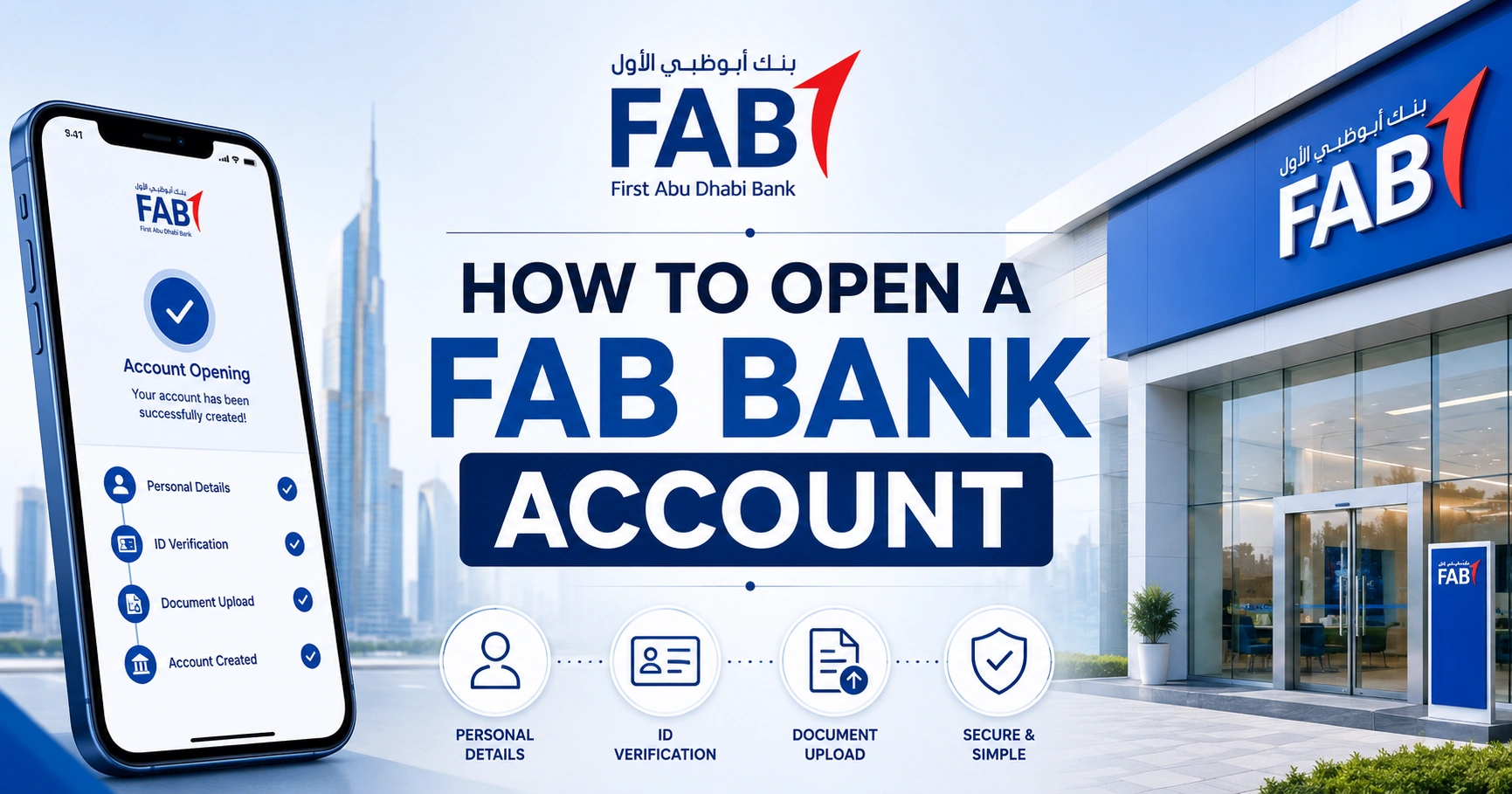
You can open a FAB bank account through FAB Mobile or at a branch, depending on the account type and your eligibility. Many UAE residents can complete digital account opening with an Emirates ID, identity verification and the requested personal and employment information.
UAE nationals and UAE residents can open eligible accounts, although requirements vary by product.
FAB Account Types
| Account type | Suitable for |
| Current account | Salary credits, daily payments and cheque facilities |
| Personal savings account | Regular saving and interest eligibility |
| iSave account | Digital saving and promotional interest offers |
| FAB One account | Packaged banking and rewards benefits |
| Etihad Guest account | Customers who want travel miles |
| Elite account | Higher-income customers seeking premium benefits |
| Islamic account | Sharia-compliant banking requirements |
Compare minimum salary, minimum balance, fees and benefits before applying.
Who Can Open a FAB Account?
Eligibility depends on the selected product, but applicants commonly need to be:
- A UAE national or resident
- At least the minimum age for the account
- In possession of a valid Emirates ID
- Able to complete identity and compliance checks
- Able to provide income information where required
Some accounts are designed for salaried customers, while others can be opened without salary transfer.
Documents Required to Open a FAB Account
Prepare:
- Original Emirates ID
- Valid passport
- UAE residence visa for expatriates
- UAE mobile number
- Email address
- Proof of income or salary certificate when requested
- Employer details
- Proof of address where required
- Tax residency information
- Additional compliance documents requested by FAB
A personal current account may require a passport, residence visa, Emirates ID and proof of income.
How to Open a FAB Account Through the Mobile App
Step 1: Install FAB Mobile
Use the official FAB Mobile application from your device’s app store. Confirm that the developer is First Abu Dhabi Bank.
Step 2: Start a New Account Application
Choose the option to become a customer or open an account. Select the account that matches your salary, savings and transaction requirements.
Step 3: Scan Your Emirates ID
Allow the app to scan the front and back of your Emirates ID. Enter any information that cannot be read automatically.
Step 4: Complete Identity Verification
Follow the selfie, facial verification or other identity checks displayed in the app.
Step 5: Enter Personal Details
Provide your:
- UAE address
- Mobile number
- Employment details
- Salary or income
- Tax residency
- Expected account activity
Step 6: Review the Account Terms
Check the Key Facts Statement, minimum balance, monthly fee, debit card terms and transaction charges.
Step 7: Submit the Application
FAB will review the information. Approved customers may receive account details digitally, while the debit card can be delivered or collected under the selected arrangement.
Eligible customers can complete supported account applications through FAB Mobile using an Emirates ID and digital verification.
How to Open a FAB Account at a Branch
Visit a FAB branch when:
- The app cannot verify your identity
- You need a joint account
- Your occupation requires additional documents
- You want a specialised account
- Your Emirates ID information is outdated
- You are asked to complete enhanced verification
Take original documents, not only photographs or photocopies.
How to Choose the Right FAB Account
Choose a Current Account When You Need
- Salary transfer
- Debit card
- Cheque book eligibility
- Daily payments
- Standing instructions
- Regular transfers
Choose a Savings Account When You Need
- Interest on eligible balances
- A separate savings fund
- Limited daily transactions
- Digital account management
- Goal-based saving
Choose iSave When You Need
- A digital savings option
- No traditional cheque book
- Promotional interest on eligible funds
- Online or mobile account opening
The iSave promotional rate and qualifying period can change. Review the current product terms before transferring a large balance.
Minimum Balance and Monthly Fees
Not every FAB account has the same minimum balance requirement.
Before applying, confirm:
- Required monthly average balance
- Salary transfer condition
- Fall-below fee
- Debit card fee
- Cheque book charge
- International transfer fee
- ATM withdrawal fee
- Account closure fee
- Dormancy rules
A “zero-balance” promotion may still have eligibility or salary conditions.
How Long Does FAB Account Opening Take?
Eligible digital applications may be completed quickly, but additional review can extend the process.
Delays commonly happen because of:
- Expired Emirates ID
- Blurred document scans
- Inconsistent names
- Unverified UAE mobile number
- Additional compliance screening
- Missing income documents
- High-risk occupation or expected activity
- Previous account restrictions
Respond only through official FAB channels when more information is requested.
Why Was My FAB Account Application Rejected?
A rejection can result from incomplete documents, failed identity verification, unsupported residency status, inconsistent information or the applicant not meeting the selected product’s requirements.
FAB may not disclose every internal compliance reason. Correct any inaccurate information before submitting another application.
After Your Account Is Opened
1. Activate the debit card.
2. Set a secure card PIN.
3. Enable FAB Mobile access.
4. Confirm the registered phone and email.
5. Add beneficiaries carefully.
6. Review transfer and ATM limits.
7. Download the Key Facts Statement.
8. Set transaction alerts.
9. Keep Emirates ID information updated.
FAQs
Can I open a FAB Bank account online?
Yes. Eligible UAE residents and nationals can open supported FAB accounts through FAB Mobile using their Emirates ID and digital identity verification. Some applications require additional documents or a branch visit, particularly for specialised accounts, joint accounts or cases needing enhanced compliance checks.
What documents do I need to open a FAB account?
You will normally need a valid Emirates ID, passport, UAE residence visa if applicable, UAE mobile number and personal information. FAB may also request proof of income, a salary certificate, employer details, proof of address or additional tax and compliance documentation.
Can I open a FAB account without salary transfer?
Some savings and digital accounts may be available without salary transfer, while certain current account packages require salary or minimum-balance conditions. Compare the Key Facts Statement for each product before applying because fees, eligibility and benefits differ between FAB account types.
How long does it take to open a FAB account?
A straightforward digital application may be processed quickly after successful Emirates ID and identity verification. Applications can take longer when documents are unclear, information does not match, compliance checks are required or the chosen FAB bank account needs branch-level approval.
Why is my FAB account application still under review?
FAB may be verifying your Emirates ID, residency, employment, income, tax information or expected account activity. Check that your phone is reachable and respond only to official requests. Avoid submitting duplicate applications, as this can create additional records and delay assessment.