Magnati Balance Check Online for FAB Prepaid Cards
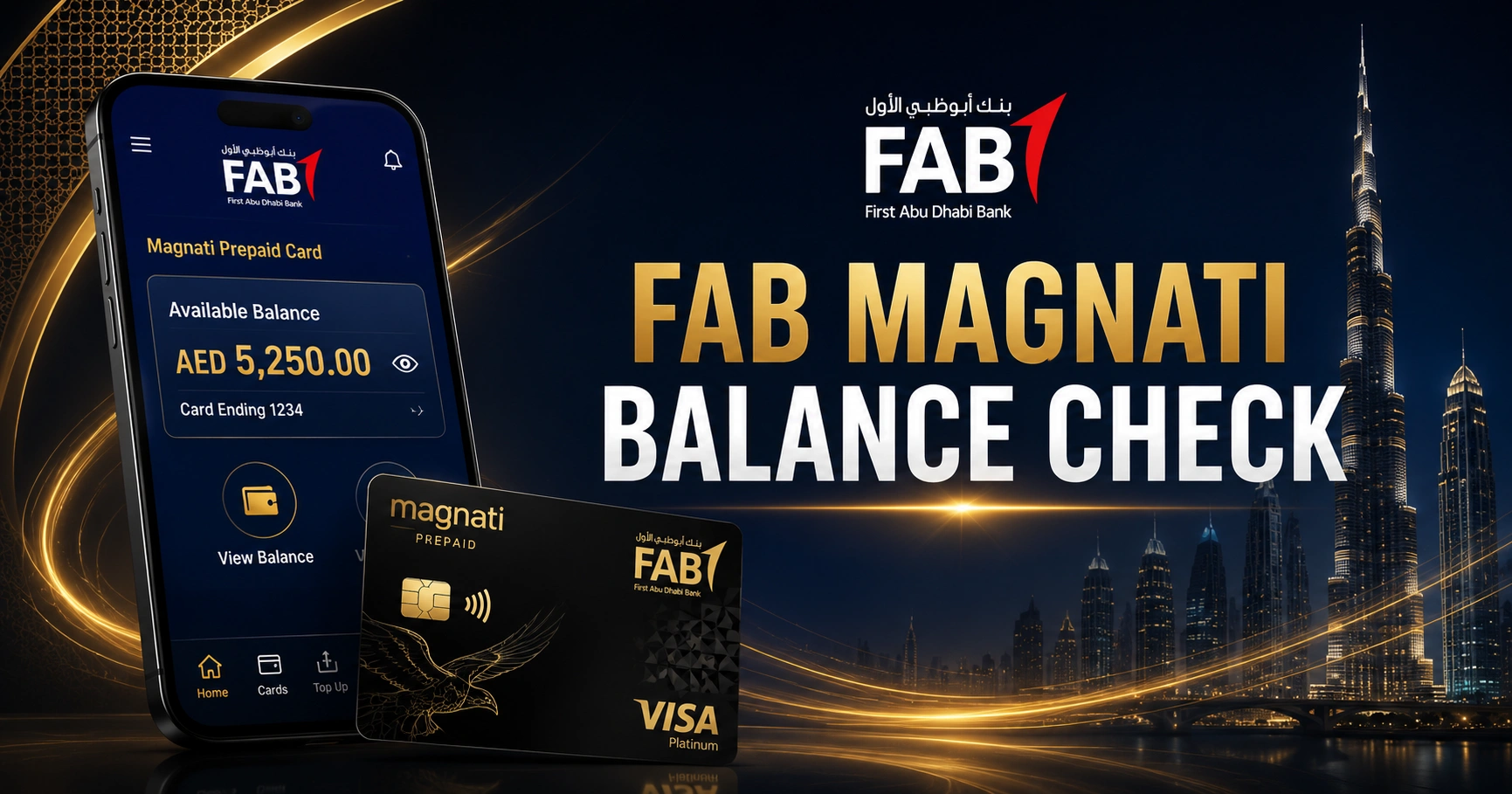
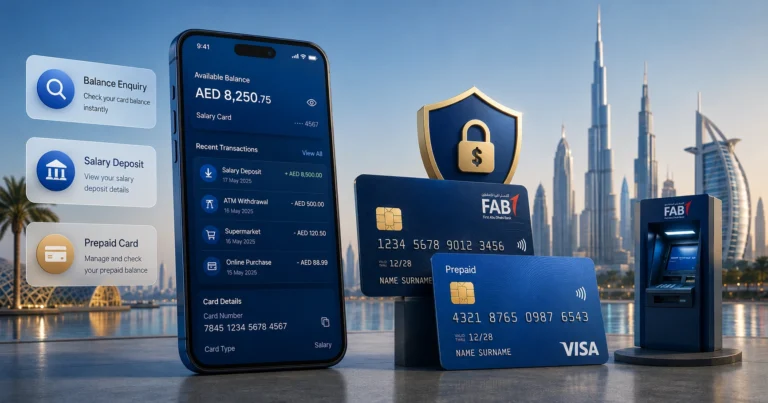
A Magnati balance check allows supported FAB prepaid and payroll cardholders to view their available funds online. The official enquiry form requires the final four digits of the card number, the Card ID and a captcha.
This service is intended for prepaid cards. It is not a replacement for FAB Mobile or personal online banking used with current and savings accounts.
What Is the Magnati Prepaid Card Enquiry?
Magnati provides the online card enquiry interface used by several FAB-issued or supported prepaid card programmes.
Eligible card types can include:
- Ratibi payroll cards
- Corporate payment cards
- Salary prepaid cards
- Government-related prepaid cards
- Other supported FAB prepaid products
Card availability depends on the programme under which the card was issued.
Information Needed for Magnati Balance Check
| Required information | Where to find it |
| Last four card digits | End of the card number |
| Card ID | Printed on the card |
| Captcha | Displayed on the enquiry page |
| Internet connection | Mobile or computer browser |
The portal does not ask for the ATM PIN as part of the basic balance enquiry.
How to Check Magnati Prepaid Card Balance
Step 1: Open the Official Enquiry Page
Open the prepaid card enquiry service associated with FAB and Magnati. Check the address carefully before entering any information.
Step 2: Enter the Last Four Card Digits
Use only the final four digits of the long payment card number. Do not enter the entire card number in a field labelled “Last 4 digits.”
Step 3: Enter the Card ID
Type the Card ID exactly as printed. Remove accidental spaces and check similar characters such as zero and the letter O.
Step 4: Complete the Captcha
Enter the security characters displayed on the screen. Refresh the captcha if it is unclear or expired.
Step 5: Submit the Request
Select “Go” and wait for the card information to load. The official form uses the last four card digits, Card ID and captcha as its enquiry fields.
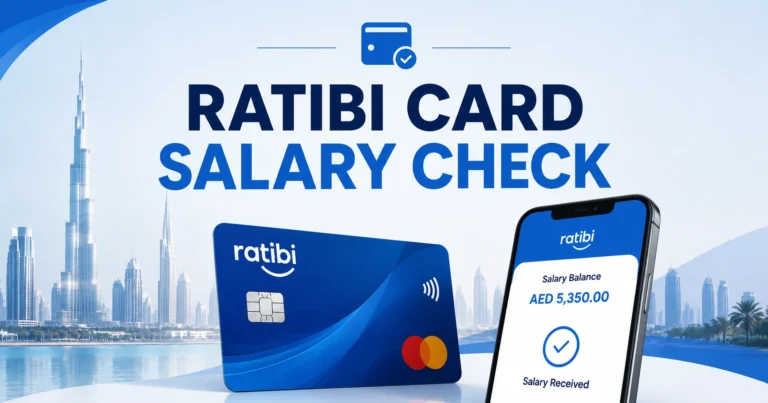
Magnati Balance Check for Ratibi Card
Ratibi cardholders can use the prepaid enquiry option linked from the official FAB Ratibi service.
Ratibi is intended for eligible employees earning up to AED 5,000 and does not require the cardholder to maintain a bank account. The card also supports salary credit SMS alerts.
Magnati Balance Check vs FAB Bank Balance Check
| Feature | Magnati enquiry | FAB Mobile or online banking |
| Main purpose | Prepaid card enquiry | Personal bank account management |
| Login required | No normal banking login | Yes |
| Details used | Last four card digits and Card ID | Customer credentials |
| Transaction services | Limited card information | Transfers, payments and statements |
| Suitable for Ratibi | Yes, where supported | Usually no |
| Suitable for current accounts | No | Yes |
Using the wrong service is one of the most common reasons customers cannot see their balance.
Why Is the Magnati Enquiry Not Working?
Incorrect Last Four Digits
Enter the final four digits of the payment card number, not the Card ID, CVV or employer number.
Invalid Card ID
Check every digit or character carefully. A damaged card can make the Card ID difficult to read.
Captcha Error
Captchas expire after a period of inactivity. Refresh the page and enter the new code.
Unsupported Card
Not every FAB or Magnati-related card uses the same enquiry service. Confirm the card programme with the issuer.
Expired or Replaced Card
An old card may stop returning information after replacement. Use the details from the active card.
Temporary Service Problem
Try again from another browser or network. Avoid repeated submissions if the portal displays a security restriction.
Can You Check Magnati Balance at an ATM?
A supported prepaid card may allow balance enquiries and cash withdrawals at compatible ATMs.
ATM access can depend on:
- The card network
- Issuer restrictions
- Country of use
- Available balance
- ATM operator fees
- Card status and PIN
Use the ATM network recommended in the cardholder instructions to reduce unnecessary charges.
How to Read the Magnati Balance Result
The displayed amount may represent available funds rather than every pending activity.
Check for:
- Available balance
- Recent card usage
- Pending deductions
- Salary or funding credits
- Card status
- Expiry information
A purchase can reduce the available amount before appearing as a fully settled transaction.
Magnati Card Enquiry Safety
- Use only the official prepaid enquiry page.
- Never enter the ATM PIN into an online balance form.
- Do not share the Card ID publicly.
- Avoid links received from unknown WhatsApp numbers.
- Close the browser after checking on a shared device.
- Report unexpected transactions to the issuer.
- Do not pay anyone to “release” a salary balance.
FAQ
What details are needed for a Magnati balance check?
You need the last four digits of the supported prepaid card, the Card ID printed on the card and the captcha shown on the page. A normal FAB online banking username, ATM PIN and full card number are not required for the basic enquiry.
Can I use Magnati to check a normal FAB bank account?
No. Magnati balance check services are intended for supported prepaid and payroll cards. Customers with a FAB current or savings account should use FAB Mobile, personal online banking, an FAB ATM or customer service to view their account balance and transactions.
Why does Magnati say my card details are invalid?
The last four card digits or Card ID may have been entered incorrectly, or the card may be expired, replaced or unsupported. Recheck the printed information and refresh the captcha. Contact the issuer when the correct active card continues to show an error.
Can Ratibi users check their salary through Magnati?
Yes, supported Ratibi cardholders can use the prepaid card enquiry linked through FAB. A Magnati balance check shows the available amount, while the salary credit SMS or transaction record helps confirm that the employer’s latest payroll payment has actually reached the card.
Is the Magnati prepaid card enquiry safe?
It is safe when accessed through the official service and used on a secure device. Never enter your PIN, CVV or one-time password into an unfamiliar page. Close the browser after checking and contact the card issuer if you notice an unauthorised transaction.