ATM Balance Check in UAE: Check Your Bank Account Safely
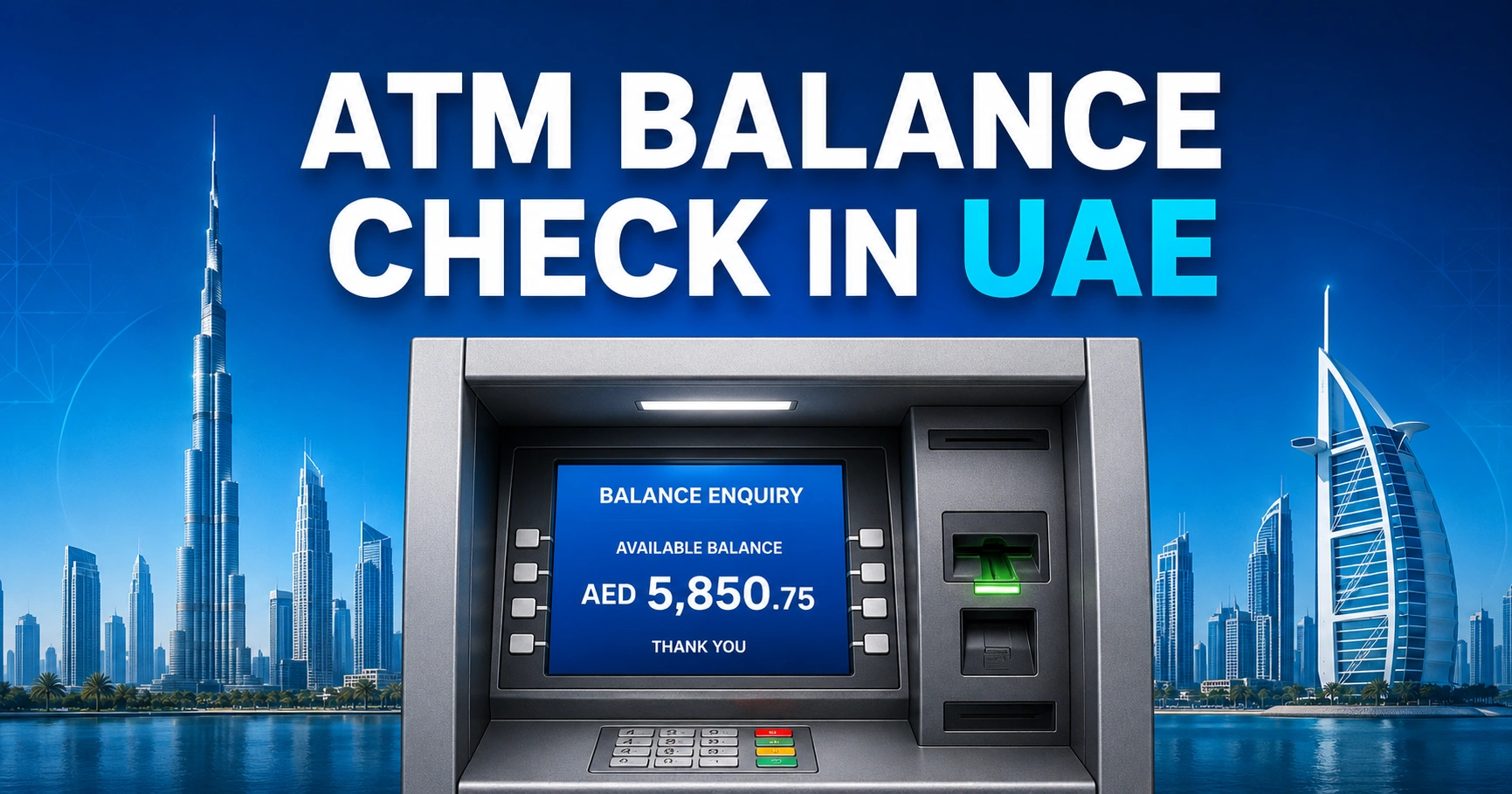
An ATM balance check in the UAE displays the amount available in your bank account or prepaid card. Insert the card, enter the PIN, select “Balance Enquiry” and choose whether to view the result on screen or print a receipt.
The service is available at most bank ATMs, but fees and supported functions can vary when using another bank’s machine.
What Is an ATM Balance Check?
An ATM balance enquiry is a non-cash transaction that retrieves the latest account or card balance from the issuing bank.
It may display:
- Available balance
- Current or ledger balance
- Account type
- Recent transactions
- Withdrawal limit
- Mini statement option
How to Check Your Balance at an ATM
1. Use an ATM in a secure and well-lit location.
2. Insert or tap your bank card.
3. Select the preferred language.
4. Enter your PIN while covering the keypad.
5. Choose “Balance Enquiry.”
6. Select the relevant account, such as current or savings.
7. View the result on screen or print a receipt.
8. Remove your card and collect the receipt.
Some ATMs return the card before showing the transaction menu, while others keep it until the session ends. Follow the instructions displayed on the machine.
ATM Balance Check Fees in the UAE
| ATM type | Possible balance enquiry cost |
| Your own bank’s ATM | Commonly free, subject to the bank tariff |
| Another UAE bank’s ATM | A network or enquiry fee may apply |
| International ATM | Bank, network and foreign exchange fees may apply |
| Salary or prepaid card ATM | Depends on card provider and selected network |
| Exchange house branch machine | May be free for the provider’s payroll card |
Do not assume every balance check is free. Review the bank’s current schedule of charges, particularly for prepaid, payroll and foreign-issued cards.
Available Balance vs Account Balance
The figure shown as “available balance” is usually the amount you can withdraw or spend immediately.
The ledger or current balance may include transactions that have not fully cleared. Pending card payments, cheque deposits and merchant holds can create a difference between the displayed amounts.
How to Check Balance Without Visiting an ATM
Mobile Banking App
Most UAE banks display the balance immediately after login. Mobile apps also provide transaction history, card controls, statements and payment notifications.
Online Banking
Internet banking is suitable for viewing multiple accounts, downloading statements and checking pending transactions from a desktop computer.
SMS Banking
Some banks provide balance enquiries through registered SMS banking services. The required message format and short code differ by bank, so use only instructions published by your own bank.
Telephone Banking
Call the number printed on the back of the card. Complete identity verification and use the automated menu or speak with a representative.
Bank Branch
A branch can assist when the card is blocked, the account is restricted or digital channels are unavailable. Take your Emirates ID and any requested account documentation.
Can You Check Balance Using Another Bank’s ATM?
Most debit cards issued in the UAE can be used at another bank’s ATM if the card and network are supported.
However, the ATM may:
- Charge a balance enquiry fee
- Show only the available balance
- Refuse prepaid or foreign cards
- Offer fewer account options
- Apply a daily transaction limit
Using your issuing bank’s ATM is generally the safest option for complete account access.
ATM Balance Check for Salary Cards
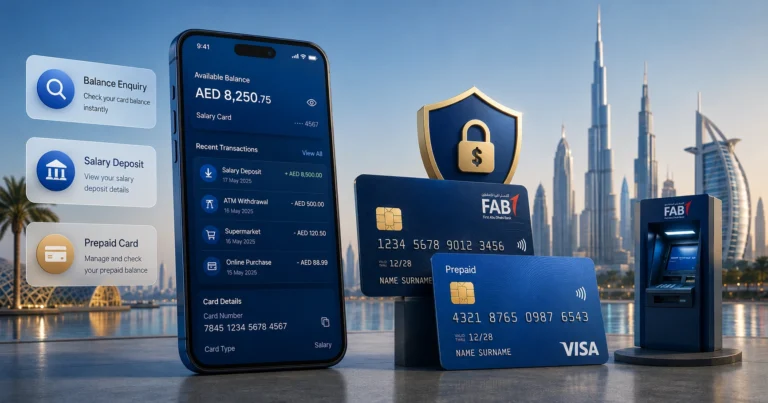
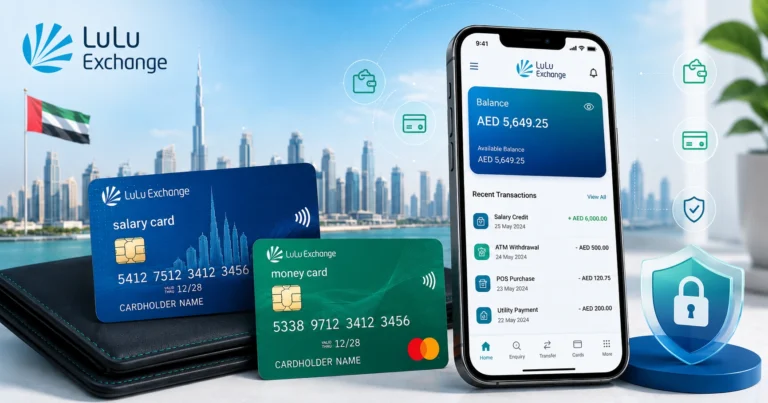
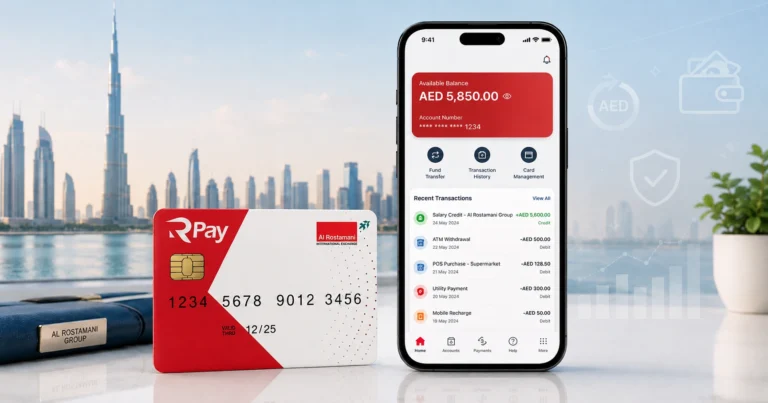
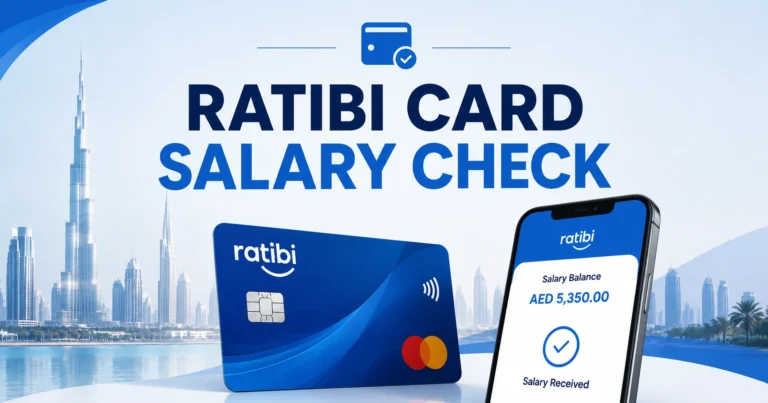
Payroll cards from providers such as FAB Ratibi, Al Ansari PayPlus, RPay and LuLu Money may support ATM balance enquiries.
The exact network, fee and withdrawal rules depend on the card programme. Cardholders should check the app or instructions printed on the card rather than assuming every UAE ATM is free.
Why Does the ATM Show Insufficient Funds?
“Insufficient funds” can appear even when the account has money because:
- The available balance is lower than the requested withdrawal
- A merchant hold has reserved part of the balance
- The withdrawal exceeds the daily ATM limit
- Fees would push the transaction above the available amount
- The selected account type is incorrect
- The card has withdrawal restrictions
Try a smaller amount after completing an ATM balance check. Contact the bank if the available amount appears wrong.
ATM Did Not Dispense Cash but Balance Was Deducted
Do not immediately repeat the withdrawal.
Record:
- ATM location and bank
- Date and approximate time
- Requested amount
- Transaction reference
- Receipt details
- Last four digits of the card
Call the issuing bank and report a cash withdrawal dispute. The ATM operator and card issuer may need to reconcile the machine before reversing the amount.
ATM Security Tips in the UAE
- Inspect the card slot for unusual attachments.
- Cover the keypad when entering the PIN.
- Refuse assistance from strangers.
- Avoid counting cash openly.
- Keep your phone available for transaction alerts.
- Do not leave the receipt near the machine.
- End the session before walking away.
- Report a retained card immediately.
- Never share an OTP with an ATM caller.
Common ATM Balance Enquiry Problems
| Error | Possible reason | Solution |
| Transaction unavailable | Temporary network failure | Try your bank’s ATM later |
| Incorrect PIN | PIN entered wrongly | Stop before the card is blocked |
| Card not supported | Network incompatibility | Use the issuing bank’s ATM |
| Card expired | Expiry date passed | Request a replacement card |
| Balance unavailable | Account or system restriction | Check the banking app or call support |
| Card retained | Security or ATM fault | Contact the ATM operator immediately |
FAQ
How do I complete an ATM balance check in the UAE?
Insert your debit, prepaid or salary card, choose a language, enter the PIN and select “Balance Enquiry.” Choose the correct current or savings account when prompted. The ATM will display the available balance and may offer a printed receipt or mini statement.
Is an ATM balance enquiry free in the UAE?
It may be free at your own bank’s ATM, but another bank, international network or prepaid card provider can charge a fee. Before completing an ATM balance check, review your bank’s tariff and use the issuing bank’s machine whenever practical.
Can I check my UAE bank balance without an ATM?
Yes. Use your bank’s mobile app, online banking, registered SMS service, telephone banking or a branch. Mobile banking usually gives the clearest view because it can show the available balance, pending card transactions, recent credits and any amount temporarily placed on hold.
Why is the ATM balance lower than expected?
The available balance may exclude pending card payments, blocked deposits, uncleared transfers or merchant authorisations. ATM fees and previous purchases can also reduce the amount. Compare the ATM balance check result with your mobile banking transaction history to identify the difference.
What should I do if an ATM keeps my card?
Stay near the ATM, note its location and call the number displayed on the machine or your card issuer immediately. Do not accept help from strangers. Ask the bank to block or recover the card and check the account for unauthorised transactions.