Ratibi Card Salary Check Online 2026
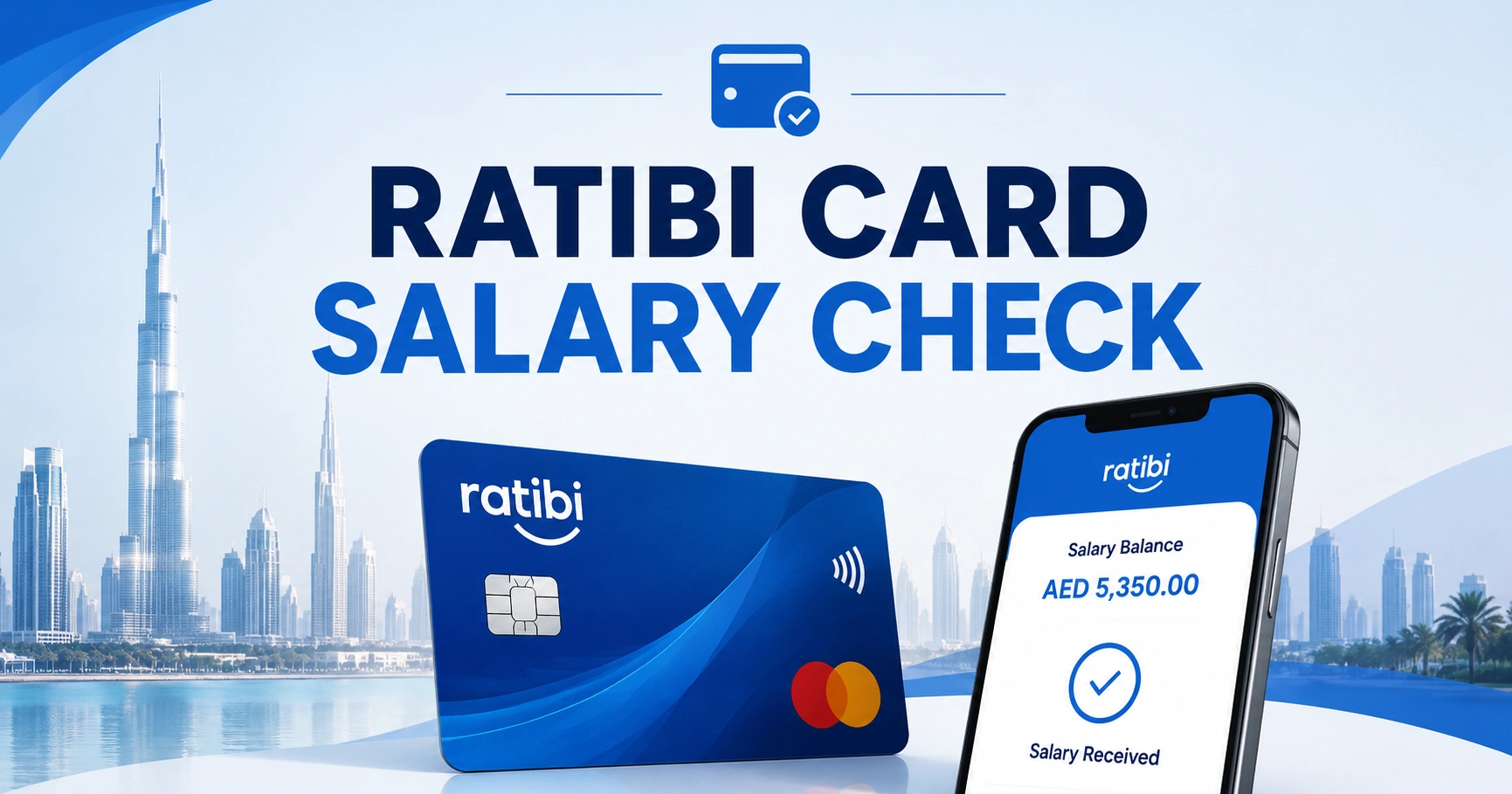
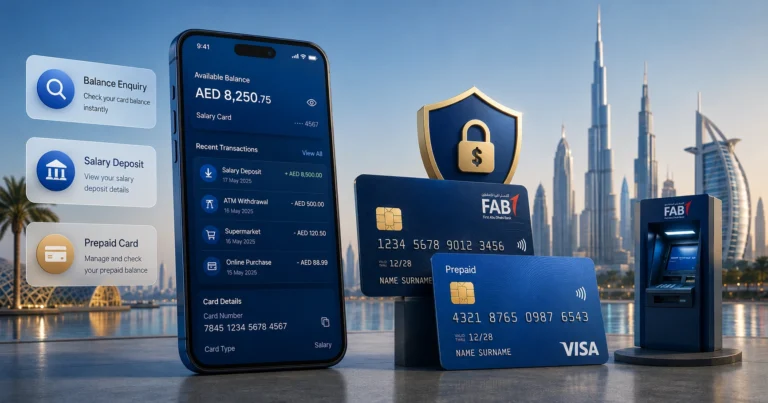
A Ratibi Card salary check confirms whether your employer has credited your salary and how much money remains available on the card. You can check it through the official prepaid card enquiry service, a supported ATM, salary SMS alerts or Ratibi customer service.
Ratibi is a FAB payroll solution for employees earning up to AED 5,000. It allows eligible workers to receive salary without maintaining a regular bank account or minimum balance.
What Is a Ratibi Salary Card?
The Ratibi Prepaid Card is provided through employers registered for payroll services. Salary is loaded directly onto the card, which can then be used for cash withdrawals, purchases and supported online payments.
The card is compliant with the UAE Wage Protection System. Cardholders also receive an SMS alert when salary is credited, helping them confirm payment without repeatedly visiting an ATM.
Ratibi Card Salary Check Methods
| Method | What it shows | What you need |
| Prepaid card enquiry | Available card balance | Last four card digits and Card ID |
| Salary SMS alert | Confirmation of salary credit | Registered mobile number |
| ATM enquiry | Available balance | Ratibi card and PIN |
| Customer service | Balance or card assistance | Identity and card verification |
| Transaction history | Salary and spending records | Access to a supported card channel |
How to Check Ratibi Card Salary Online
Step 1: Find the Required Card Information
Take out your Ratibi card and identify:
- The last four digits of the card number
- The Card ID
- The card expiry date, if needed for verification
Do not confuse the Card ID with the card number, CVV or ATM PIN.
Step 2: Open the Prepaid Card Enquiry
Access the official FAB or Magnati prepaid card enquiry page. The form is designed for supported salary and prepaid cards rather than normal current or savings accounts.
Step 3: Enter Your Ratibi Card Details
Enter the last four digits of the card number in the first field. Type the Card ID in the second field and complete the displayed captcha.
Step 4: Submit the Enquiry
Select “Go” and wait for the result. The page should display the available balance or card information if the details are accepted.
How to Confirm Your Salary Was Credited
Checking the available balance does not always prove that the latest salary arrived. Review the transaction activity or salary alert for clear confirmation.
Look for:
- A credit transaction matching your salary
- The employer or payroll reference
- The date the amount was posted
- Any deductions or previous spending
- An SMS stating that salary was credited
Ratibi provides free SMS alerts for salary credits. Ensure your employer or card provider has your current UAE mobile number.
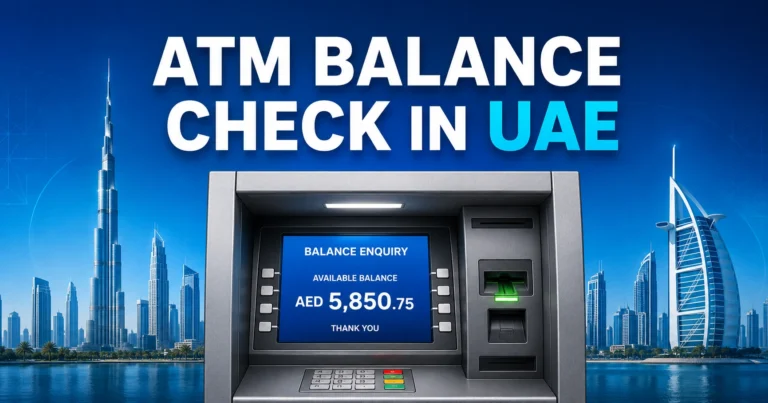
Ratibi Salary Check Through an ATM
1. Insert the Ratibi card into a supported ATM.
2. Select a language.
3. Enter your PIN privately.
4. Choose “Balance Enquiry.”
5. View the amount on screen.
6. Print a receipt only when necessary.
7. Remove the card before leaving.
Ratibi cards can be used at ATMs and supported Visa or Mastercard networks, depending on the card issued. Charges may apply outside the designated network or outside the UAE.
Ratibi Salary Check by SMS
Ratibi’s SMS service normally sends an automatic message when salary is loaded. You do not need to send your PIN, Card ID or full card number by SMS.
An alert may include the credited amount and updated available balance. If you changed your mobile number, ask the employer or Ratibi support team to update it.
Salary Credited but Ratibi Balance Is Lower
Your available balance may be lower than the salary amount because of:
- Purchases made after salary credit
- Cash withdrawals
- ATM fees
- Pending card transactions
- Merchant authorisation holds
- Previous negative adjustments
- Payroll amount lower than expected
Compare the salary credit with subsequent transactions. Contact the employer if the credited salary itself is incorrect.
Ratibi Salary Not Credited: What to Do
Confirm the Employer’s Payment Date
Ask whether the salary file was submitted or fully processed. An employer’s internal payroll date may differ from the date funds reach the card.
Check Your Card Status
An expired, replaced or blocked card can affect access. The employer may also have submitted payment against an outdated payroll record.
Review SMS and Transaction Records
Check whether an SMS was missed or filtered. Use the online enquiry or ATM to verify the available amount.
Contact the Correct Party
Contact your employer for missing or incorrect salary amounts. Contact Ratibi support for card access, PIN, balance display or transaction problems.
The Ratibi service number is 600 52 2298 inside the UAE and +971 2 499 6279 internationally.
Common Ratibi Card Problems
| Problem | Likely cause | Recommended action |
| Invalid Card ID | Incorrect number entered | Recheck the printed Card ID |
| Captcha error | Expired or mistyped code | Refresh and enter the new captcha |
| Card declined | Low balance, block or merchant restriction | Check balance and card status |
| No salary SMS | Old mobile number or network delay | Update the registered number |
| ATM retained card | ATM or security issue | Contact the ATM operator immediately |
| Salary amount incorrect | Employer payroll error | Raise the issue with payroll or HR |
Ratibi Card Security Rules
Never share your PIN, CVV, full card number or one-time password with an employer, colleague or caller claiming to be support.
Use only official enquiry channels. FAB or Magnati representatives should not ask you to transfer money to release a salary or unblock a payroll payment.
FAQ
How can I perform a Ratibi Card salary check online?
Open the official prepaid card enquiry service, enter the last four digits of your Ratibi card, add the Card ID and complete the captcha. Submit the form to view the available balance. The enquiry does not normally require a FAB bank account username.
How do I know if my salary has reached my Ratibi Card?
Check for an automatic salary credit SMS and review the card transaction activity. A Ratibi Card salary check should show the updated balance, but the clearest proof is a credit entry displaying the salary amount and date posted to the card.
Can I check my Ratibi salary without internet access?
Yes. You can insert the card into a supported ATM, enter the PIN and select balance enquiry. Ratibi also provides automatic SMS notifications when salary is credited. Customer service can assist when the card, PIN or salary balance cannot be checked normally.
Why is my Ratibi salary still not showing?
The employer may not have completed the payroll submission, the WPS payment may still be processing or incorrect employee details may have been used. Confirm the payment status with HR, then contact Ratibi support if the employer confirms that the salary was successfully processed.
Is a Ratibi Card the same as a FAB bank account?
No. Ratibi is a prepaid payroll card that allows eligible employees to receive salaries without opening a traditional account. A Ratibi Card salary check therefore uses prepaid card channels, while normal FAB account holders can use mobile banking, online banking and account statements.