RPay Balance Enquiry – Check Al Rostamani Salary Card
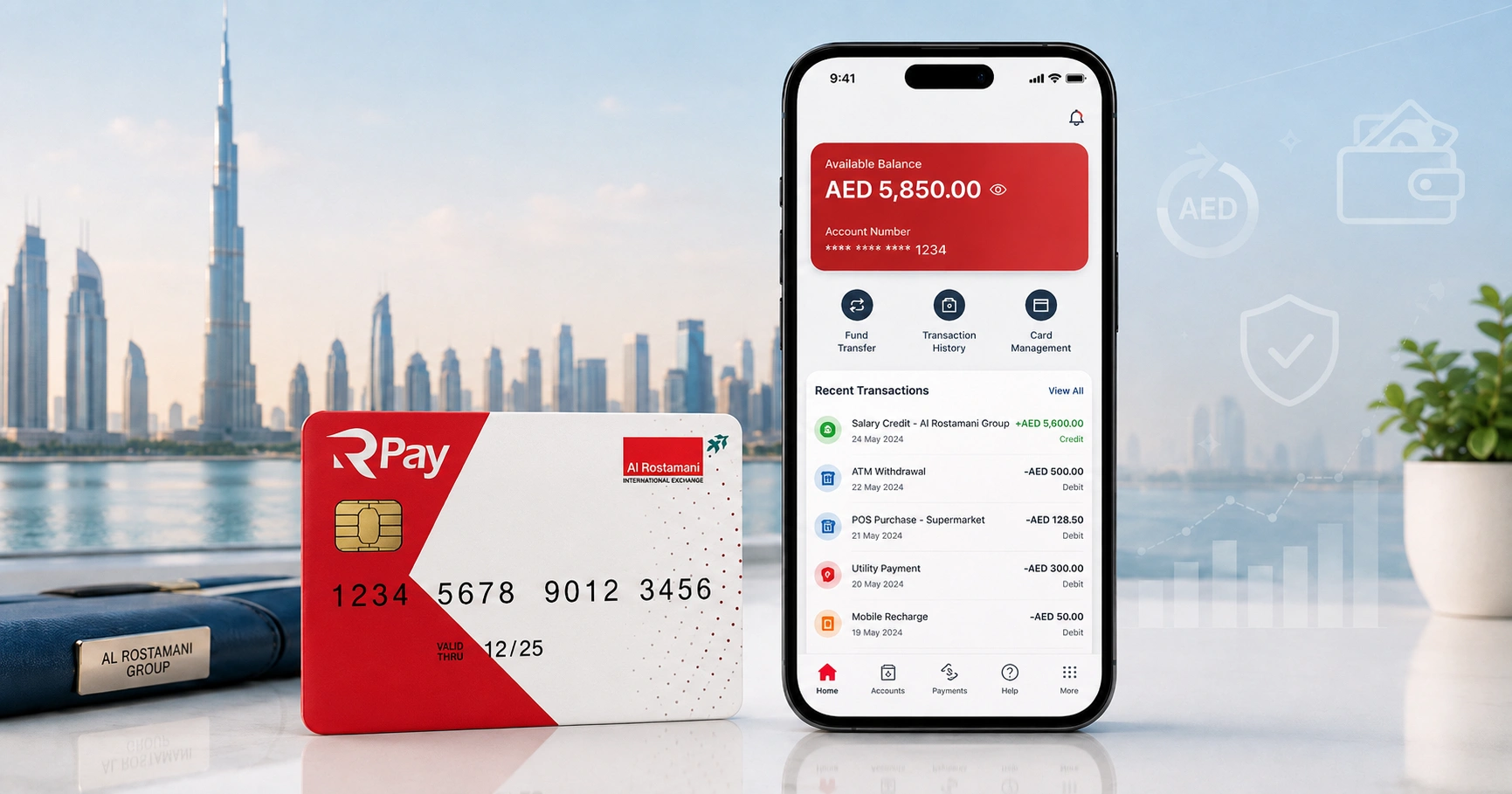
RPay balance enquiry means checking the available balance on your Al Rostamani RPay salary card. This card is commonly used in the UAE by employees who receive their monthly wages through the Wage Protection System.
The RPay card is issued by Al Rostamani International Exchange, often called ARIE. It helps workers receive salaries, withdraw cash, make payments, and manage basic money services without needing a traditional bank account.
For most users, the fastest way to check an RPay card balance is through the Al Rostamani Int Exchange mobile app. You can also use ATM balance inquiry, customer support, or a branch visit when the app is not working.
Quick RPay Balance Enquiry Details
| Detail | Information |
|---|---|
| Card Name | RPay Payroll Card |
| Issuer | Al Rostamani International Exchange |
| Used For | WPS salary payments in the UAE |
| Main Balance Method | Al Rostamani Int Exchange mobile app |
| Other Methods | ATM, customer service, branch visit |
| Required Details | Emirates ID, registered mobile number, card details |
| Customer Care | 600 54 0004 |
| Best For | UAE salary card holders and WPS employees |
How to Check RPay Balance in UAE
You can complete an RPay balance enquiry in four main ways. The best method depends on whether you have internet access, app registration, your card PIN, and your registered mobile number.
| Method | Best For | Internet Needed | Availability |
|---|---|---|---|
| ARIE Mobile App | Regular balance checks | Yes | 24/7 |
| ATM Balance Inquiry | Cash withdrawal users | No | ATM dependent |
| Customer Service | App or card problems | No | Working hours may apply |
| ARIE Branch | Registration, blocked card, complex issues | No | Branch hours |
RPay Balance Enquiry Through Al Rostamani App
The Al Rostamani Int Exchange app is the recommended option for checking your RPay salary card balance. It is useful because you can check your balance, view transaction history, manage transfers, and access other services from one place.
The app also supports RPay and C3 payroll card balance checks. This is helpful for UAE workers who have used different payroll cards with previous employers.
Steps to Check RPay Balance in the ARIE App
- Download the Al Rostamani Int Exchange app on your mobile phone.
- Open the app and choose new user registration.
- Enter your Emirates ID details and registered mobile number.
- Add your RPay card details if the app asks for them.
- Complete OTP verification.
- Log in using your mobile number, password, or biometric login if enabled.
- Go to the card section, payroll card option, or balance check menu.
- Select your RPay card to view the available balance.
Your balance should appear on the screen after successful login and card verification. You may also see recent salary credits, withdrawals, transfers, and other card activity.
What You Need Before Using the RPay App
Before starting your RPay balance enquiry through the app, keep your documents and card ready. Incorrect details are one of the most common reasons users fail to register.
You may need:
- Emirates ID number
- RPay card number or card details
- Registered UAE mobile number
- OTP sent by SMS
- Date of birth or personal verification details
- Active internet connection
Your mobile number should match the number registered with Al Rostamani or your employer. If your number has changed, the app may not allow login until your profile is updated.
How to Check RPay Balance at an ATM
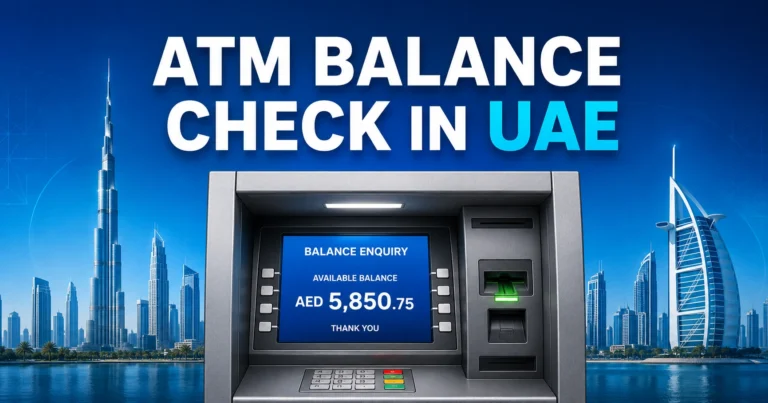
ATM balance inquiry is useful when you do not have internet access or cannot log in to the app. You only need your RPay card and PIN.
Steps for ATM Balance Inquiry
- Visit an ATM that accepts your RPay card network.
- Insert your RPay salary card.
- Choose your preferred language.
- Enter your card PIN.
- Select balance inquiry or account balance.
- View your available balance on the screen.
- Print a receipt only if needed.
- Remove your card before leaving.
Some ATMs may charge a small fee for balance inquiry or cash withdrawal. Always check the message on the ATM screen before confirming the transaction.
Can You Check RPay Balance Without Internet?
Yes, you can check your RPay balance without internet by using an ATM or contacting Al Rostamani customer service. A branch visit is also possible if you cannot access the app or ATM service.
The app is still the most convenient method for frequent users. However, workers without mobile data can use ATM balance inquiry after salary credit or visit an ARIE branch for help.
Can You Check RPay Balance by SMS?
SMS alerts may be available for salary credits and some card transactions, but SMS balance enquiry is not always a reliable method for every RPay user. Availability can depend on your registered mobile number, card setup, and service status.
If you receive salary credit SMS alerts, you can use them as a quick confirmation that your salary has been loaded. For the latest available balance, the app or ATM method is usually more accurate.
RPay Salary Card Balance Not Showing? Common Reasons
Sometimes your RPay balance may not appear in the app even after registration. This does not always mean your salary is missing.
Common reasons include:
- Salary has not been processed by the employer yet
- Employer payroll file is delayed
- Mobile number is not updated
- Emirates ID details do not match
- Card is not linked properly in the app
- App server is slow or temporarily unavailable
- Card is blocked, expired, or inactive
- Internet connection is unstable
If your salary was recently processed, wait and check again after some time. Payroll posting can sometimes take longer depending on employer processing, WPS submission, and exchange house systems.
What to Do If Your RPay Balance Is Wrong
If your RPay balance looks incorrect, first check your transaction history. Review salary credits, ATM withdrawals, card purchases, money transfers, and any service charges.
If the transaction history does not explain the difference, contact your employer’s payroll or HR team. If the salary was already sent correctly, contact Al Rostamani customer service or visit a nearby branch with your Emirates ID and RPay card.
Quick Troubleshooting Table
| Problem | Possible Cause | Best Solution |
|---|---|---|
| App login failed | Wrong mobile number or password | Reset password or update mobile number |
| OTP not received | Number not registered or network issue | Check SIM, retry later, contact support |
| Balance not showing | Card not linked | Add card again or visit branch |
| Salary missing | Employer payroll delay | Contact HR or payroll department |
| ATM declined | Wrong PIN, blocked card, insufficient balance | Contact customer service |
| Card expired | Old salary card | Request renewal or replacement |
RPay App Registration Problems and Fixes
Many RPay users face registration issues because the app needs matching customer details. If your employer used a different mobile number during salary card setup, OTP verification may fail.
Try these fixes:
- Make sure your Emirates ID number is entered correctly
- Use the same UAE mobile number linked to your salary card
- Avoid using VPN during registration
- Update the app to the latest version
- Clear app cache if it freezes
- Try again with a stable internet connection
- Visit an ARIE branch if your profile details are outdated
Do not keep trying random details repeatedly. Too many failed attempts may temporarily lock access or create more verification issues.
RPay Card Features for UAE Salary Users
The RPay payroll card is designed for UAE employees who receive wages through WPS. It gives workers easier access to salary, cash withdrawals, purchases, and remittance services.
Common RPay card features may include:
- Salary deposit through WPS
- ATM cash withdrawal
- POS payments at supported merchants
- EMV chip and PIN security
- Salary credit and transaction alerts
- Partial salary withdrawal facility
- International money transfer options through ARIE services
- Access to customer support in multiple languages
Some RPay card programs may include accidental insurance benefits up to AED 25,000, subject to card terms, eligibility, and current product conditions. Cardholders should confirm benefit details directly with Al Rostamani before relying on coverage.
RPay Balance Enquiry vs C3Pay Balance Check
RPay and C3Pay are both used by salary card holders in the UAE. Many workers search for both because they may change employers and receive a different payroll card.
| Feature | RPay Card | C3Pay Card |
|---|---|---|
| Card Type | Payroll salary card | Payroll salary card |
| Common Users | UAE WPS employees | UAE WPS employees |
| Balance Check | ARIE app, ATM, support | App-supported balance check |
| App Support | ARIE app supports RPay balance | ARIE app may also show C3 balance |
| Best Use | Al Rostamani salary card users | C3 payroll card users |
If you have both cards, check which card your current employer uses for salary payment. Your latest salary may be loaded on your active employer-issued payroll card, not an older card.
When Should You Contact Al Rostamani Customer Service?
Contact Al Rostamani customer service when your RPay balance enquiry does not work through normal methods. You should also contact support if your card is blocked, lost, expired, or not linked to the app.
You may need help if:
- You cannot register in the app
- OTP is not coming to your mobile number
- Your RPay card is blocked
- Your ATM PIN is not working
- Your salary is credited but not visible
- Your card was lost or stolen
- You changed your mobile number
- You need to update Emirates ID details
Keep your Emirates ID and RPay card with you before calling or visiting a branch. Support agents may need to verify your identity before sharing account-related information.
RPay Card Safety Tips for UAE Workers
Your salary card should be handled carefully because it gives direct access to your wages. Never share your card PIN, OTP, app password, or Emirates ID copy with unknown people.
Follow these safety tips:
- Use only the official Al Rostamani app
- Do not share OTP with anyone
- Change your PIN if you suspect misuse
- Avoid checking balance on unknown phones
- Keep SMS transaction alerts active if available
- Report lost cards immediately
- Do not give your card to another person for withdrawal
- Always collect your card and receipt after ATM use
If someone asks for your OTP or PIN while claiming to be from customer service, do not share it. Real support staff do not need your secret PIN or OTP to help you.
Best Method for RPay Balance Enquiry
The best method for RPay balance enquiry is the Al Rostamani Int Exchange app because it works anytime and also shows transaction details. It is ideal for regular salary checks and users who want to track withdrawals or remittances.
ATM inquiry is better when you need cash or do not have internet. Customer service and branch visits are better for account problems, app registration issues, blocked cards, and profile updates.
Practical Tips Before Checking Your RPay Salary Balance
Check your balance after your usual salary date, but remember that employer processing can affect timing. If coworkers received salary and you did not, ask your HR or payroll department before assuming a card issue.
If your salary is visible but withdrawal fails, check whether the ATM accepts your card and whether your PIN is correct. If the card is blocked or expired, visit Al Rostamani with your Emirates ID for support.
FAQs
How can I do an RPay balance enquiry in UAE?
You can complete an RPay balance enquiry through the Al Rostamani Int Exchange app, ATM balance inquiry, customer service, or an ARIE branch. The mobile app is usually the easiest option because it lets you check your salary card balance and recent transactions anytime.
Can I check my RPay balance without the app?
Yes, you can check your RPay balance without the app by using an ATM that accepts your salary card. Insert the card, enter your PIN, and choose balance inquiry. If the ATM method fails, contact Al Rostamani customer service or visit a branch.
Why is my RPay salary not showing in my balance?
Your RPay salary may not show if your employer has not processed payroll, WPS submission is delayed, or the card is not updated yet. For accurate RPay balance enquiry, check transaction history first, then contact your HR department if the salary credit is missing.
Can I check RPay balance by SMS?
Some RPay users may receive SMS alerts for salary credits and card transactions, but SMS balance enquiry may not be available for every cardholder. For the most reliable RPay balance enquiry, use the Al Rostamani app, ATM balance inquiry, or customer service.
What details are needed for RPay app registration?
For RPay app registration, you may need your Emirates ID, registered UAE mobile number, OTP, and RPay card details. If your mobile number does not match the card record, your RPay balance enquiry may fail until your profile is updated.
What should I do if my RPay card is blocked?
If your RPay card is blocked, do not keep trying incorrect PINs at the ATM. Contact Al Rostamani customer service or visit a branch with your Emirates ID and card. Once your card status is checked, you can continue your RPay balance enquiry safely.
Is RPay the same as C3Pay?
RPay and C3Pay are both payroll card services used by UAE workers, but they are not the same card. Some app services may support both RPay and C3 balance checks. Always confirm which card your current employer uses before checking your salary balance.